


Create and download a full backup
Create a recoverable backup of files, databases, and account settings before an update or migration.
Before you start
- Enough free hosting storage
- Access to cPanel
- A secure place to store the backup
- Time for the archive to complete
Open Backup
Search cPanel for Backup or Backup Wizard and open the backup tool.
cPanel Search → Backup
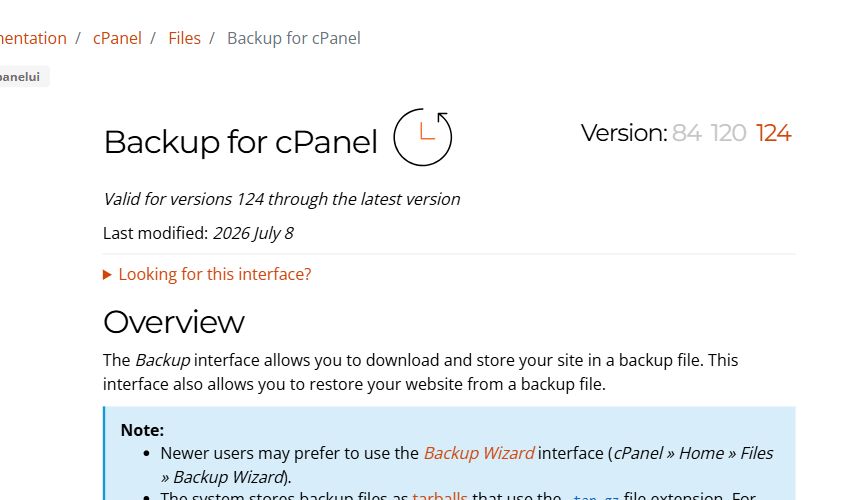
Choose Full Account Backup
Create a full account archive containing website files, databases, and account settings.
Full Backup
Select the destination
Choose Home Directory and enter an email address for completion notification when available.
Destination: Home Directory
Wait for completion
Allow the server to finish building the archive. It will appear in the available backup list.
Backup in progress
Download and verify
Download the archive, check its size, store it safely, then remove the server copy when appropriate.
Download → Verify → Store safely
Common troubleshooting
| Issue | Solution |
|---|---|
| Not enough storage | Remove old backups or request temporary storage before creating the archive. |
| The backup never completes | Review account size and resource usage, then contact support. |
| You cannot restore the full backup | Send the archive to ROT4 for a server-level restoration. |
Need help?
Send the error screenshot and service name to ROT4 support and we will help you complete the setup safely.
