


Set up business email on Android and iPhone
Add company email to your phone with secure IMAP and SMTP settings that keep messages and folders synchronized.
Before you start
- Email address and password
- Official mail server hostname
- Gmail or Apple Mail
- A stable internet connection
Start adding the account
On Android use Gmail and Add another account; on iPhone use Settings, Mail, then Accounts.
Android: Gmail • iPhone: Settings
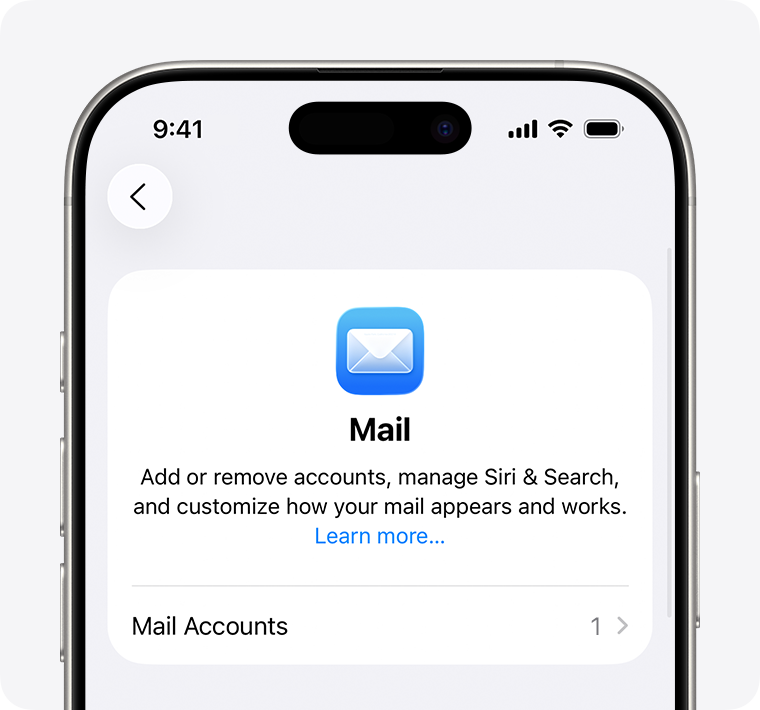
Choose Other or Mail Account
Choose Other and enter your name, full email address, password, and description.
Account type: Other
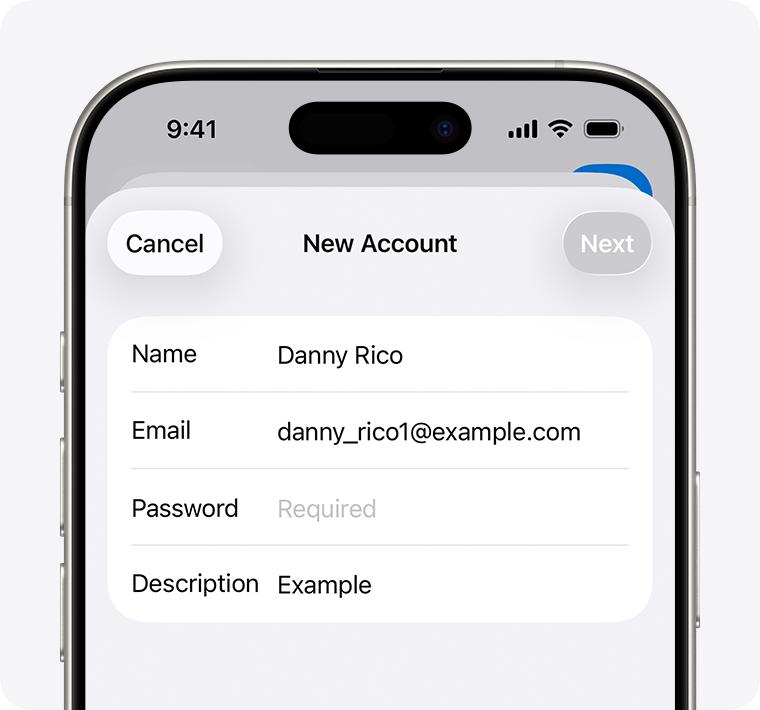
Select IMAP
Use IMAP instead of POP so messages and folders remain synchronized across devices.
Protocol: IMAP
Enter incoming settings
Use the official hostname, port 993 with SSL, and the full email address as username.
IMAP 993 + SSL
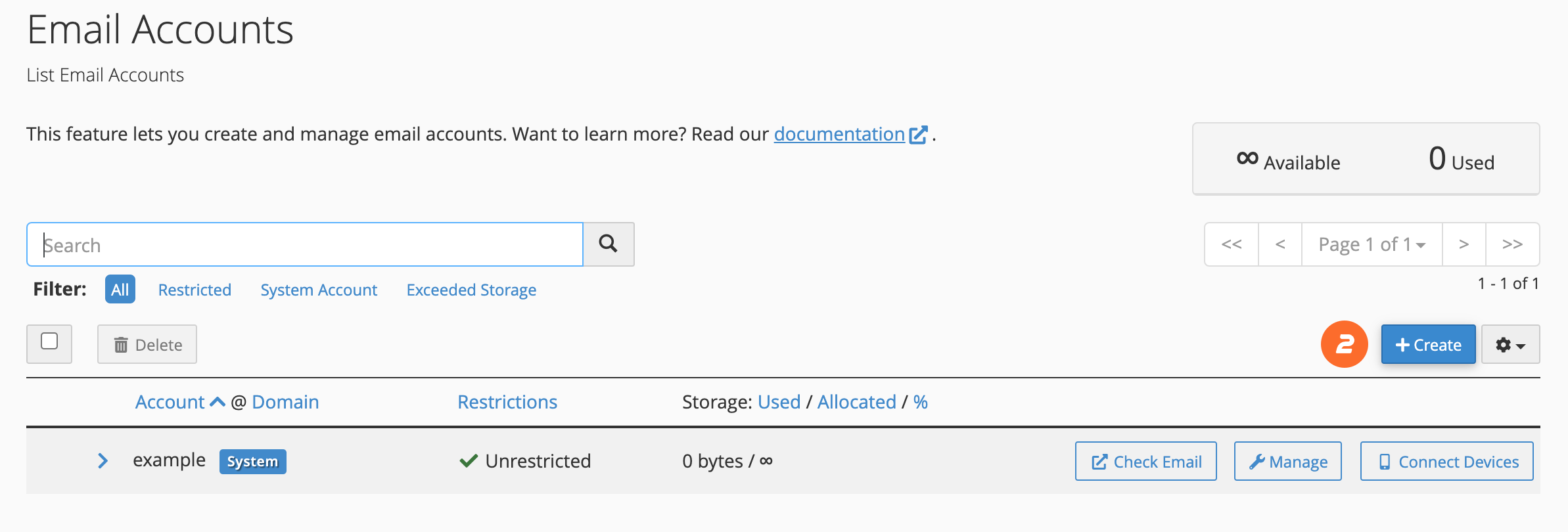
Enter outgoing settings
Use SMTP port 465 SSL or 587 STARTTLS and enable authentication.
SMTP 465/587 + Authentication
Test synchronization
Send a test message, open it in Webmail, and confirm it appears on both sides.
Phone ↔ Webmail sync
Common troubleshooting
| Issue | Solution |
|---|---|
| Account verification fails | Review hostname and ports, and use the complete email address as username. |
| Messages do not synchronize | Confirm IMAP was selected and account sync is enabled on the phone. |
| Messages remain in Outbox | Review SMTP authentication and port, then test another network. |
Need help?
Send the error screenshot and service name to ROT4 support and we will help you complete the setup safely.
