


Redirect a domain to another address
A practical visual guide that completes the task safely, verifies the result, and highlights mistakes to avoid.
Before you start
- ✓ Authorized secure access
- ✓ A backup before impactful changes
- ✓ The correct domain or account
- ✓ A record of current values before editing
Confirm the target and outcome
Record the service, domain, and expected outcome, then confirm you are working on the correct account before changing anything.
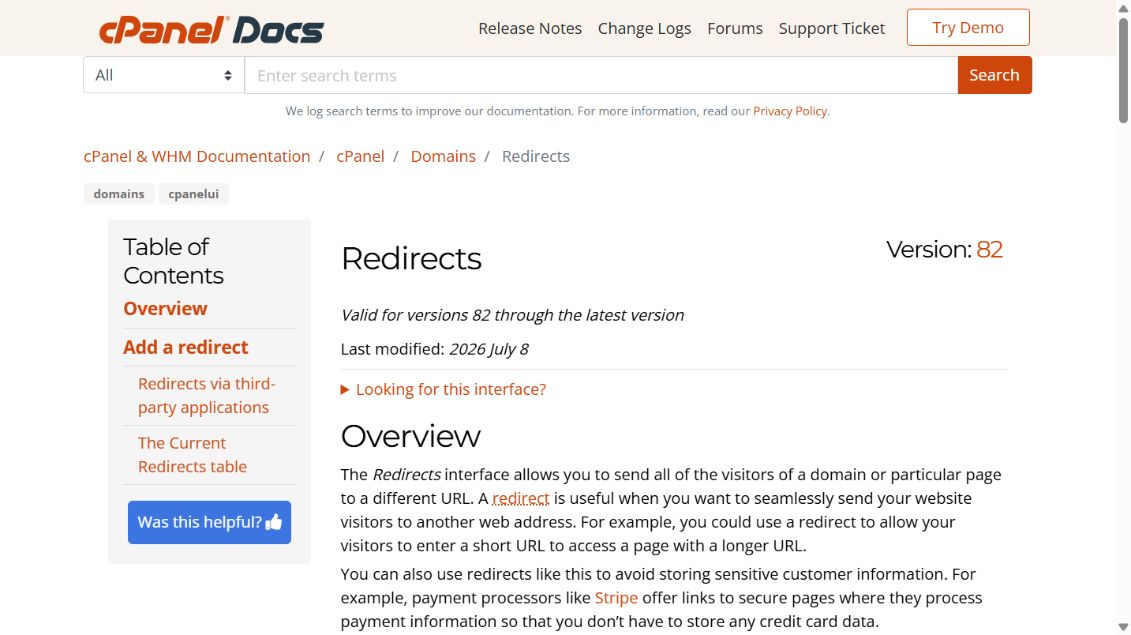
Open the correct tool
Open cPanel Domains and DNS tools and follow the linked official workflow, confirming the domain name before saving.
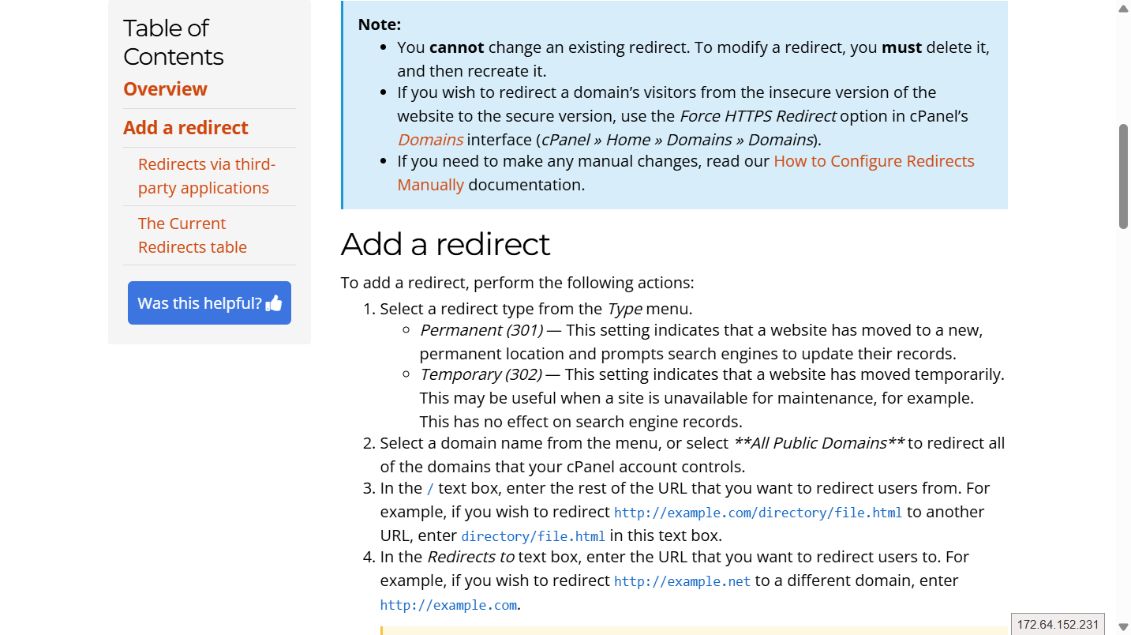
Complete the change carefully
Open Redirects, choose 301 for a permanent move or 302 for temporary use, set the domain, destination, and www behavior, then add it.
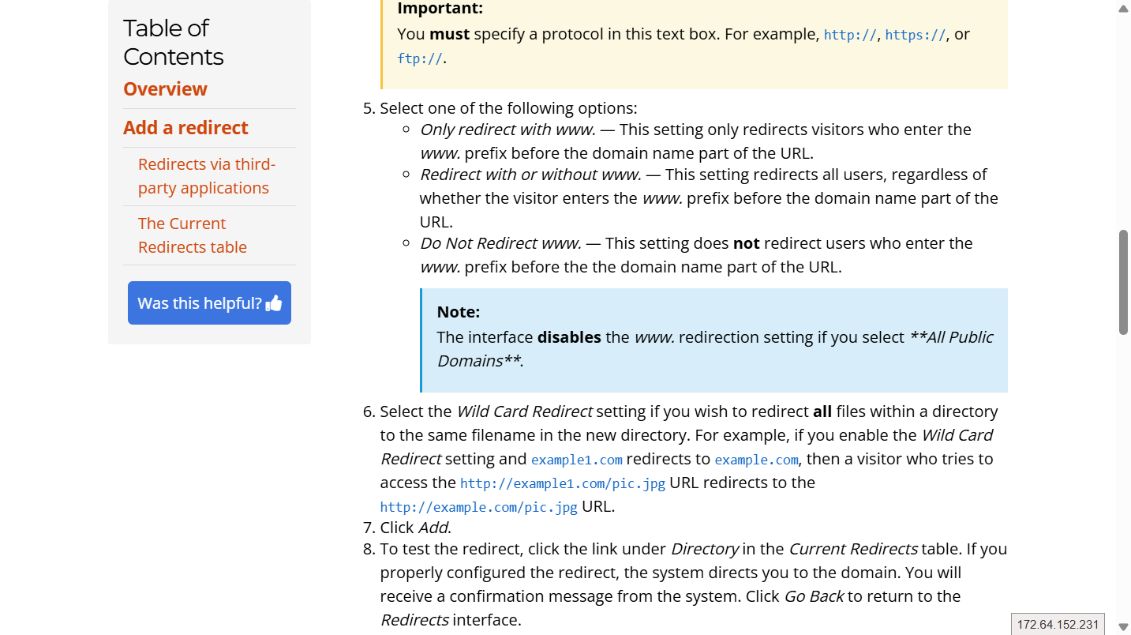
Verify the result
Test the home page and an inner path in a private window and confirm the status code and final destination.
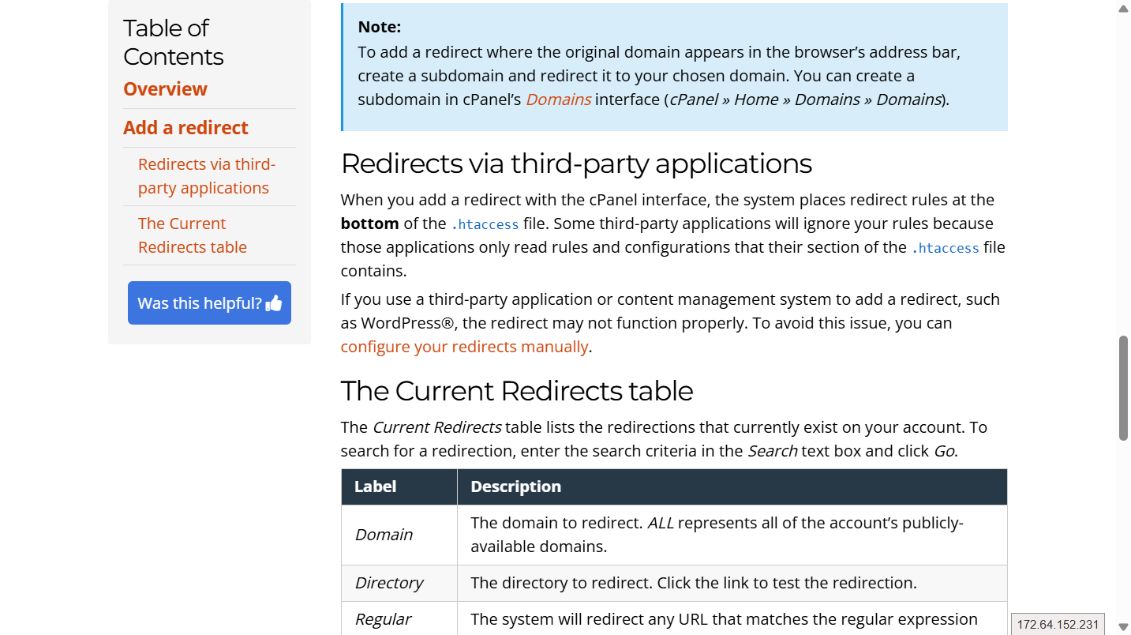
Core steps complete
Test the result, record final settings, and contact ROT4 if an error appears.
