


Enable a free SSL certificate
A practical visual guide that completes the task safely, verifies the result, and highlights mistakes to avoid.
Before you start
- ✓ Authorized secure access
- ✓ A backup before impactful changes
- ✓ The correct domain or account
- ✓ A record of current values before editing
Confirm the target and outcome
Record the service, domain, and expected outcome, then confirm you are working on the correct account before changing anything.

Open the correct tool
Open cPanel Domains and DNS tools and follow the linked official workflow, confirming the domain name before saving.
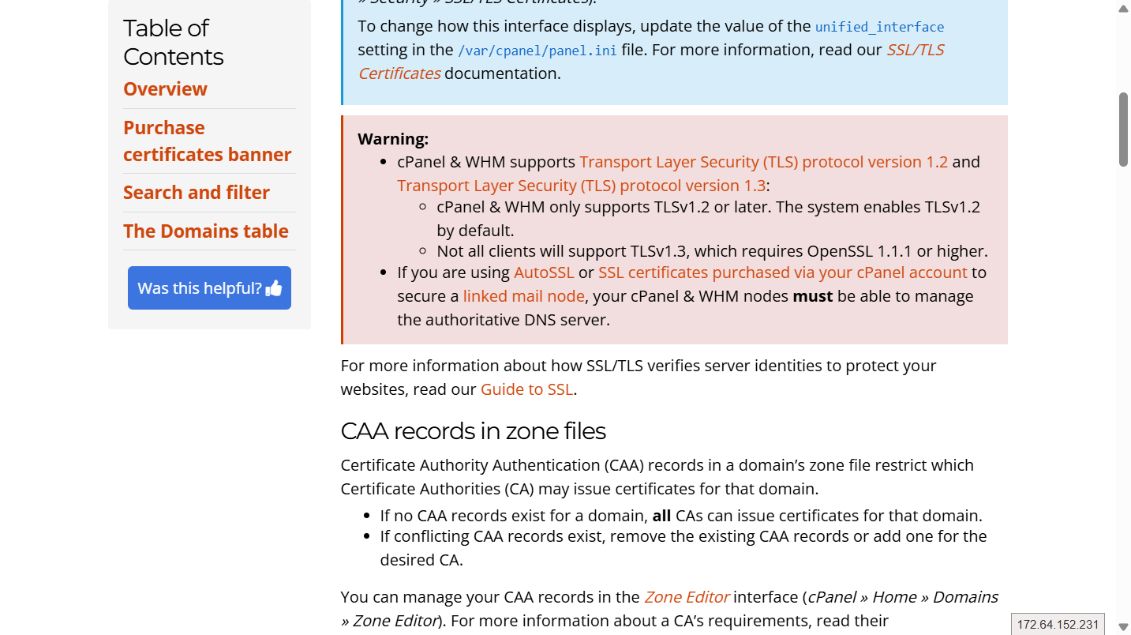
Complete the change carefully
Confirm the domain points to the server, open SSL/TLS Status, select the domain, and run AutoSSL when available.

Verify the result
Open the site over HTTPS and inspect its domain name, expiry date, and trust chain.

Core steps complete
Test the result, record final settings, and contact ROT4 if an error appears.
