
Just a moment — we are almost ready
Just a moment — we are almost ready


Select your language
A structured reference to every tool listed in the official cPanel documentation, explaining what each tool does and where to start for files, mail, domains, databases, security, software, and account management.
Advanced functions such as Cron Jobs, Terminal, MIME Types, and the API shell.
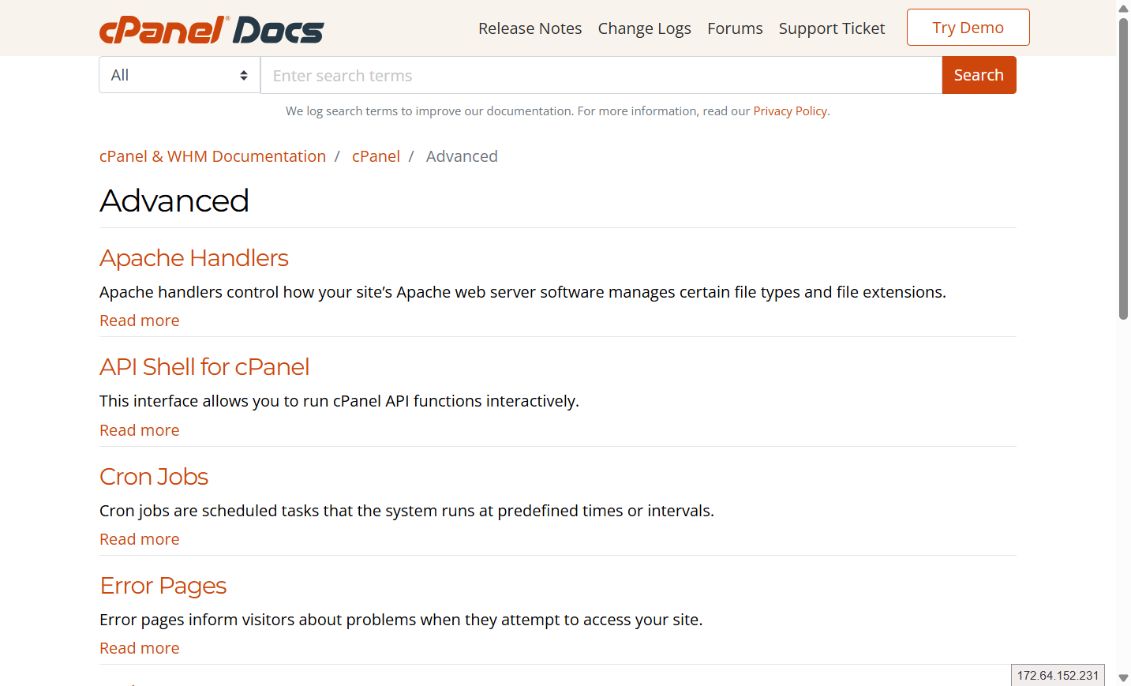
Apache handlers control how your site’s Apache web server software manages certain file types and file extensions.
API Shell for cPanelThis interface allows you to run cPanel API functions interactively.
Cron JobsCron jobs are scheduled tasks that the system runs at predefined times or intervals.
Error PagesError pages inform visitors about problems when they attempt to access your site.
IndexesUse the Indexes interface to define how the server displays a specific directory's index to a visitor, or to disable index display for a directory.
MIME TypesMIME types relay information to the browser about how to handle file extensions.
Terminal for cPanelThe Terminal interface allows you to access an in-browser terminal application for direct command-line access within a cPanel & WHM session.
Track DNSThis interface contains tools to help you retrieve network information.
Virus ScannerThe Virus Scanner interface scans your cPanel account for security threats.
Create and manage MySQL, MariaDB, or PostgreSQL databases, users, and privileges.

This wizard guides you through the setup of a MySQL® or MariaDB® database, user accounts, and user privileges.
Manage My DatabasesUse this interface to create, manage, and delete MySQL® or MariaDB® databases and database users.
MySQL® Database WizardThis wizard guides you through the setup of a MySQL® database, user accounts, and user privileges.
MySQL® DatabasesUse this interface to create, manage, and delete MySQL databases and database users.
MySQL® ManagerUse this interface to create, manage, and delete MySQL® databases and database users.
phpMyAdminUse this interface to manipulate MySQL® or MariaDB® databases.
phpPgAdminUse this interface to manipulate PostgreSQL® databases.
PostgreSQL Database WizardThis wizard guides you through the setup of a PostgreSQL® database, user accounts, and user privileges.
PostgreSQL DatabasesUse this interface to create, manage, and delete PostgreSQL® databases and database users.
Remote Database AccessThis feature allows remote hosts (servers) to access MySQL® and MariaDB® databases on your account.
Manage domains, redirects, DNS zones, site builders, and connected applications.

Use this interface to create and manage multiple domains from a single cPanel account.
Dynamic DNSUse this interface to manage your dynamic DNS (DDNS) domains.
RedirectsThis interface allows you to send all of the visitors of a domain or particular page to a different URL.
Search Engine OptimizationThis interface lets you audit your websites for how easy they make it for search engines like Google to process the site's content. This is so that search engines can deliver your content to users who search for related terms.
Site PublisherThis interface enables you to quickly create a simple website, even if you have never created a website before.
Sitejet BuilderUse this interface to view and manage your Sitejet domains.
Social Media Management (Powered by SocialBee)Use this interface to manage social media for your websites.
WP Toolkit for cPanelThis interface allows you to manage the WordPress® installations on your cPanel account.
Zone EditorThis feature allows you to create, edit, and delete Domain Name System (DNS) zone records.
Create mailboxes, routing, filters, deliverability, anti-spam controls, and mail-client setup.

This interface lets you create, manage, and delete email accounts.
Address ImporterThis interface allows you to use two types of files to create multiple email addresses or forwarders for your account simultaneously.
ArchiveThis interface allows you to save incoming, outgoing, and mailing list messages for a specified amount of time.
AutorespondersThis feature allows you to configure automatic email response messages.
BoxTrapperThe BoxTrapper feature filters spam from your inbox through challenge-response verification.
Calendar DelegationThe Calendar Delegation interface allows you to delegate access rights for a user's calendars to other users.
Calendars and Contacts ManagementThis interface allows you to create, delete, or rename calendars and address books.
Calendars and Contacts SharingThe Calendars and Contacts Sharing interface allows you to grant access rights on a user's calendar(s) or address book(s) to other users.
Configure GreylistingThis interface allows you to enable or disable greylisting for each domain on your account. Greylisting defends email users against spam.
Create an Email AccountThis interface lets you create a new email account.
Default AddressThis interface allows you to set up a domain default address (catch-all address) that receives any mail for an invalid email address for the domain.
Email Deliverability in cPanelUse this interface to identify problems with your mail-related DNS records for one or more of your domains.
Email Disk UsageThis interface allows you to view all of your mailboxes and remove old or large messages.
Email FiltersThis interface allows you to filter the email for each email account in your domain.
Email RoutingThis interface allows you to configure how the system routes a domain's incoming mail.
EncryptionThis interface allows you create, store, and manage GnuPG keys.
ForwardersThis interface allows you to configure an email address to forward copies of incoming emails to another address.
Global Email FiltersThis interface allows you to configure how your server filters all of the email that your domains' email accounts receive.
Mailing ListsMailing lists allow you to use a single address to send mail to multiple email addresses.
Manage Email AccountsThis interface lets you edit an existing email account.
Set Up Mail ClientThis interface lets you easily configure a mail client to access a cPanel email address.
Spam FiltersThis interface allows you to configure the spam filter settings (powered by Apache SpamAssassin™) for your account.
Track DeliveryThis interface displays reports about email message delivery attempts from your account.
Manage website files, FTP accounts, backups, Git repositories, and Web Disk.
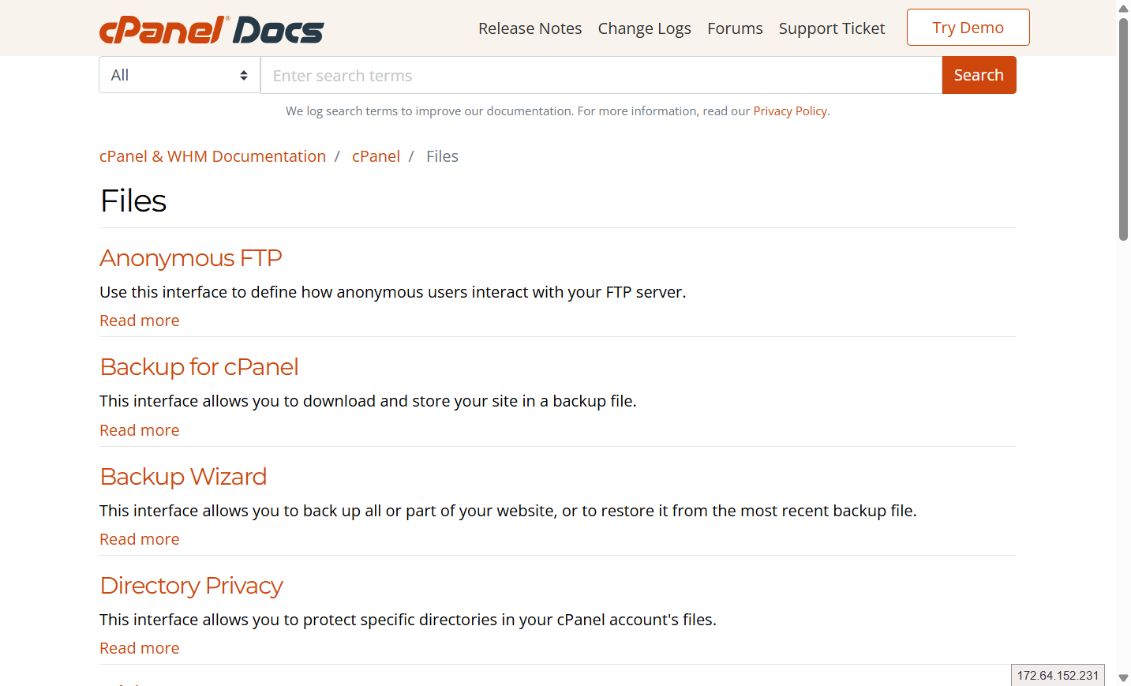
Use this interface to define how anonymous users interact with your FTP server.
Backup for cPanelThis interface allows you to download and store your site in a backup file.
Backup WizardThis interface allows you to back up all or part of your website, or to restore it from the most recent backup file.
Directory PrivacyThis interface allows you to protect specific directories in your cPanel account's files.
Disk UsageThis interface displays information about your files, your directories, and how you use your account's disk space.
File and Directory Restoration for cPanelThe File and Directory Restoration interface allows you to restore items from local backup sources.
File ManagerUse the File Manager interface to manage and edit your files.
FTP AccountsYou can use this interface to create and manage your website's File Transfer Protocol (FTP) accounts.
FTP ConnectionsThis interface displays information about current connections to your FTP server and allows you to terminate those connections.
Git™ Version ControlThis feature allows you to easily host Git repositories on your cPanel account.
GitwebGitweb allows you to browse, view, and review your repositories from within a simple interface.
HTML EditorThe HTML Editor interface allows you to easily edit your HTML documents from the File Manager interface.
ImagesThe Images interface allows you to modify and manage images that you saved to your account.
Web DiskUse this interface to manage and manipulate files on your server on multiple types of devices
Review visitors, bandwidth, errors, raw logs, CPU usage, and traffic statistics.

The Site Quality Monitoring feature allows you to monitor your website for common issues. The Site Quality Monitoring interface contains tabs that manage monitoring in different ways.
Analog StatsThe Analog Stats interface allows you to access data from the Analog traffic statistics software.
AwstatsThe Awstats interface displays traffic statistics from the Advanced Web Statistics (AWStats) software, which compiles information about how users access your website.
BandwidthThe Bandwidth interface displays bandwidth usage information in several sets of graphs.
CPU and Concurrent Connection UsageUse this interface to view and monitor resource usage.
ErrorsThe interface displays up to 300 of the most recent entries in your web server's error logs, in reverse chronological order.
Metrics EditorThis interface allows you to select metrics programs to process your log files and provide traffic analysis for your account's domains.
Raw AccessRaw access logs are text files that contain information about your website's visitors.
VisitorsThis interface displays detailed information about recent visits to your website.
WebalizerThe Webalizer interface displays traffic statistics from the Webalizer statistics program.
Webalizer FTPThe Webalizer FTP interface displays FTP traffic statistics from the Webalizer statistics program.
Manage language, contact information, passwords, users, and team access.

Use this feature to create and manage virtual cPanel accounts.
Account PreferencesUse this interface to change your account settings.
Change LanguageYou can choose to view the cPanel interface in many different languages.
Contact InformationUse this interface to store contact information for your cPanel account and to set your contact preferences.
Password & SecurityThis interface allows you to update your account's password.
User ManagerThis interface allows you to manage your cPanel account's subaccounts.
Manage SSL, 2FA, SSH, blocking, ModSecurity, protected content, and API tokens.

A hotlink occurs when someone embeds content from your site in another site and uses your bandwidth to serve the files. You can use this interface to prevent this issue.
IP BlockerThe IP Blocker interface allows you to block access to your website for one or more IP addresses or fully qualified domain names (FQDNs).
Leech ProtectionThe Leech Protection interface allows you to detect unusual levels of activity in password-restricted directories.
Manage API Tokens in cPanelThis feature lets you create, list, update, and revoke API tokens.
ModSecurity®This interface allows you to enable or disable ModSecurity for your domains.
Security PolicyThis interface allows you to update and manage your cPanel account's security questions.
SSH AccessThis interface provides information about how to connect to another web server via the SSH (secure shell) network protocol.
SSL/TLSThe features in this interface allow you to generate and manage SSL certificates, signing requests, and keys, which enhance your website's security.
SSL/TLS CertificatesThis interface provides a tabbed view of SSL/TLS tools so you can manage certificates, keys, requests, and installations.
SSL/TLS StatusThis interface lets you view, upgrade, or renew your domains' Secure Sockets Layer (SSL) certificates.
SSL/TLS WizardThis interface allows you to easily purchase and automatically install SSL certificates for domains on your account.
Two-Factor Authentication for cPanelTwo-factor authentication (2FA) is a security measure that requires two forms of identification.
Control PHP versions and settings, compression, application deployment, and packages.

This interface allows you to deploy applications with the Phusion Passenger® application server.
MultiPHP INI Editor for cPanelThis interface allows you to configure your PHP settings.
MultiPHP Manager for cPanelcPanel's MultiPHP Manager interface allows you to easily manage your account's PHP configuration.
Optimize WebsiteThis interface allows you to configure your server to automatically compress specified types of content when visitors access that content.
Perl ModulesThis interface allows you to search for and install Perl modules from the CPAN repository to your website.
PHP PEAR PackagesThe PHP PEAR Packages interface allows you to search for and add PEAR packages to your website, or view all of your website's available PHP packages.
Ruby on RailsThis interface allows you to create and deploy a Ruby on Rails® application.
RubyGemsRubyGems is a package manager for the Ruby programming language. It provides a self-contained format in which developers can distribute Ruby programs and libraries.
Site SoftwareThis interface allows you to add, manage, upgrade, and remove cPanel Addons (cPAddons).
Start with the relevant category, identify the required tool, then open its official reference. Back up data and record current values before changing DNS, databases, permissions, or security settings.

ROT4 designs, delivers, and supports secure technology environments that help organizations operate with confidence and scale without friction.
Speak with our team
Send us an email
Our base of operations